
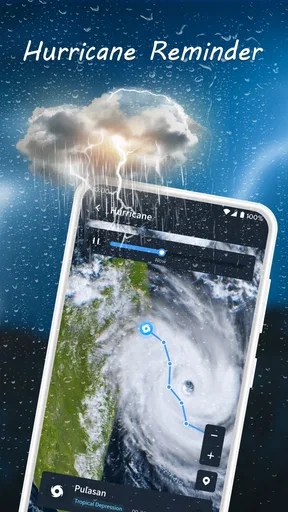
Nice Weather review
 Analysis by GetAllApps
Weather apps are most useful when they answer a practical question quickly: should I take a coat, change my route, or postpone a walk? Nice Weather is a free weather app from Znd Digital, and my impression is that it is best approached as a straightforward way to check conditions rather than as a specialist forecasting workstation. That distinction matters. A simple app can fit naturally into a daily routine, but anyone who needs detailed planning tools should consider whether a quick glance is enough for them.
A quick check, not a forecasting dashboard
The name Nice Weather suggests an easygoing experience, and the app’s short description keeps that expectation modest. In practice, I would judge its speed less by flashy animation and more by how quickly it gets me to a useful decision. For an everyday check before leaving home, a weather app earns its place when I can open it, understand the current outlook, and move on without exploring layers of specialist information.
The product is in the weather category, and its store summary emphasizes precision. I take that as a promise about the purpose of the app, not a guarantee that every forecast will match local conditions. Weather changes quickly, and forecasts are estimates; I would still use judgement when timing matters, especially if plans depend on a narrow window of clear skies.
There is no reason to treat a pleasant, minimal presentation as evidence that an app is faster or more accurate than every alternative. What matters to me is whether the information is easy to interpret during a busy moment. If I am checking the day while putting on shoes, concise information is more useful than a screen that asks me to compare several kinds of data before I can decide whether to bring an umbrella.
Where it can fit into a busy day
A realistic use case is checking conditions before a commute. I might look in the morning, decide whether to carry a light layer, then check again before heading home if the weather looks changeable. That second check is a sensible habit with any forecast app: it reduces reliance on an early snapshot without turning a routine decision into a research project.
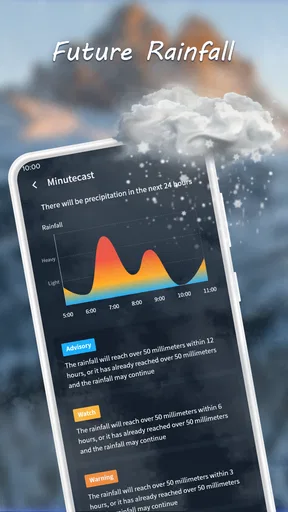
For a walk, school pickup, or a short errand, Nice Weather may suit people who want a quick reference point. It is less compelling as the only source for a carefully planned outdoor event. If rain timing, changing conditions, or a specific location will make or break the plan, I would compare the outlook with another trusted forecast source rather than assume one app can remove uncertainty.
A useful workflow is to check the forecast before committing to a plan, then make one follow-up check nearer the time if conditions are unsettled. That is more practical than repeatedly opening an app every few minutes. It also helps separate a genuine change in the outlook from the normal uncertainty that comes with forecasting.
What happens when I rely on it more often
For regular checks, the main question is whether the app remains comfortable to use rather than whether it can support an elaborate forecasting routine. I would keep the same expectation during a busy day: use it to orient myself, then return to work, travel, or whatever I was doing. If I need to compare several places or build a detailed itinerary, I would choose a weather service whose tools clearly support that kind of planning.
I cannot responsibly promise a particular loading time, battery impact, or memory footprint from the app’s description alone. Those qualities can vary with a phone, connection, and the way an app is used. My practical advice is to try a few ordinary checks on your own device before making it your default. Notice whether it opens reliably on your usual connection and whether its presentation stays readable when you are in a hurry.
Heavy use also means being realistic about refresh habits. Constantly checking for a changed forecast can create noise without improving a decision. For a commute or an outdoor appointment, one early look and a later recheck are usually more useful than opening the app repeatedly. If Nice Weather gives you enough context to make that choice comfortably, it is doing the everyday job I would expect from a simple weather app.
Reliability is about decisions, not promises
A forecast app can feel dependable while still being wrong about a passing shower or a local change. I would evaluate Nice Weather by whether it helps me make sensible plans over time, not by expecting every prediction to land perfectly. When the forecast is uncertain and the consequences are significant, I would leave a buffer in the plan and check again before setting out.
Recovery matters too. If an app does not show what I need on the first attempt, I want to be able to try again without losing time. A sensible response is to check the connection, reopen the app, and revisit the forecast a little later. That is ordinary troubleshooting, not a claim that Nice Weather has a particular recovery feature. Anyone who depends on weather information for safety-sensitive work should maintain an appropriate backup source.
Nice Weather comes from Znd Digital and has an average rating of 4.0 from around 19,000 ratings. That gives a prospective user some indication that others have tried it, but ratings cannot tell me whether it suits a particular phone, location, or routine. I would treat public feedback as context, then decide based on how clearly the app serves my own day-to-day needs.
Device fit and who should look elsewhere
The app is listed for devices running Android 7.0 or later. That makes the stated minimum relatively broad, though it does not guarantee identical performance on every compatible device. If your phone is older or has limited free space, the most useful test is simply whether the app feels responsive during normal use and whether it stays convenient enough to keep installed.
It is free and rated for Everyone, so the basic decision to try it is uncomplicated for many users. Nice Weather has passed five million installs, and the current version is 1.4.3. It was released on November 26, 2024; I mention that as useful context when considering how established the app is, not as proof that it will receive any particular future update.
I would skip it if my priority were extensive map work, complex comparisons, or professional-grade planning. The available description does not establish those capabilities, so I would not choose it on the assumption that they are present. A more specialized alternative is the better fit when a trip, outdoor job, or event calls for detailed, location-specific tools. Conversely, if I only need a convenient daily outlook, a heavyweight app may feel like extra effort.
There is also a personal trade-off between simplicity and control. Some people prefer a compact experience because they want to make a quick decision; others want to inspect every detail before leaving the house. Neither approach is wrong. The key question is whether the information Nice Weather presents is enough for your typical choices, rather than whether it can replace every weather resource you might ever use.
My performance verdict
My overall recommendation is measured: Nice Weather is worth considering as a free, everyday weather companion if your needs are modest and you value a quick check over a deep forecasting toolkit. Its scale and rating make it a familiar option in the category, but the real test is how it behaves on your phone and whether its forecast presentation helps you act without second-guessing every detail.
I would use it for routine decisions such as choosing what to wear, checking whether to carry rain gear, or deciding when to take a short walk. For uncertain conditions, I would check again closer to departure; for high-stakes plans, I would consult an additional source. That balance gives a lightweight app a clear role without asking it to do more than the evidence supports.
In the end, Nice Weather is most appealing to someone who wants a low-friction way to stay aware of the day’s outlook. It is not automatically the right choice for a power user, and no weather app can remove forecast uncertainty. If it feels responsive on your device and gives you enough information for ordinary plans, it can earn a place in your routine. If you need deeper analysis, choose a more specialized alternative instead.
Pros and cons
Pros
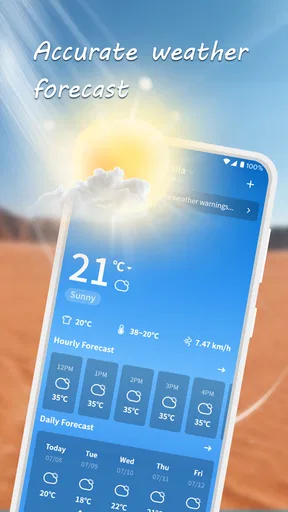
- The interface makes current conditions easy to scan.
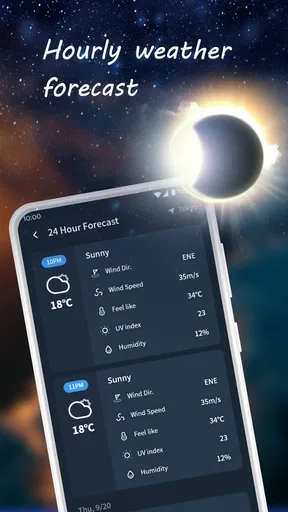
- Hourly forecasts help with planning the day.
- A home screen widget provides quick weather updates.
- Location support can show weather for places you visit.
- Weather details are presented in a clear layout.
Cons
- Forecast accuracy can vary by location.
- Some features may require an internet connection.
- Weather alerts may not be available in every region.
- Frequent updates can use mobile data.
- The available forecast range may feel limited for long-term planning.


